
Product file
The feed you already have for Zboží.cz or Heureka is enough. We can also connect directly to your store.
Integrations
Three steps and two components on your website. We set everything up to match your catalogue and website design.
Deployment
Three steps. We set everything up to match your catalogue and website design.
01 / Data
The feed you already have for Zboží.cz or Heureka is enough. We can also connect directly to your store.
02 / Setup
To match your catalogue and website design.
03 / Launch
Your web administrator can do it – with code in the template or through Google Tag Manager.
Works with:
ShoptetWooCommerceUpGatesPrestaShopand any other online storeWhat we need from you
The feed you already have for Zboží.cz or Heureka is enough. We can also connect directly to your store.
Your web administrator adds the autocomplete and the results page with code in the template or through Google Tag Manager.
PrestaShop: We connect PrestaShop directly through its API – UpSearch fetches products, categories, brands and stock itself, so no product file is needed.
Shoptet, WooCommerce, UpGates and others: We connect them through a product file – the one for Zboží.cz or Heureka is enough, or we prepare a custom format. Your web administrator adds the two components with code in the template or through Google Tag Manager.
Custom-built store
No Shoptet or other ready-made platform? No problem. With a custom-built store, it mostly comes down to preparing the data and testing.
You send the product file from your own system – the format for Zboží.cz or Heureka is enough, or we prepare a custom format. Price lists can come in further files, and from the Business plan also categories, brands and articles. Preparing the data on the store's side, such as an export from your ERP, usually takes the most time.
You first review search on a demo with your own data; then we can switch it on for selected IP addresses only. Customers see it only after you approve it.
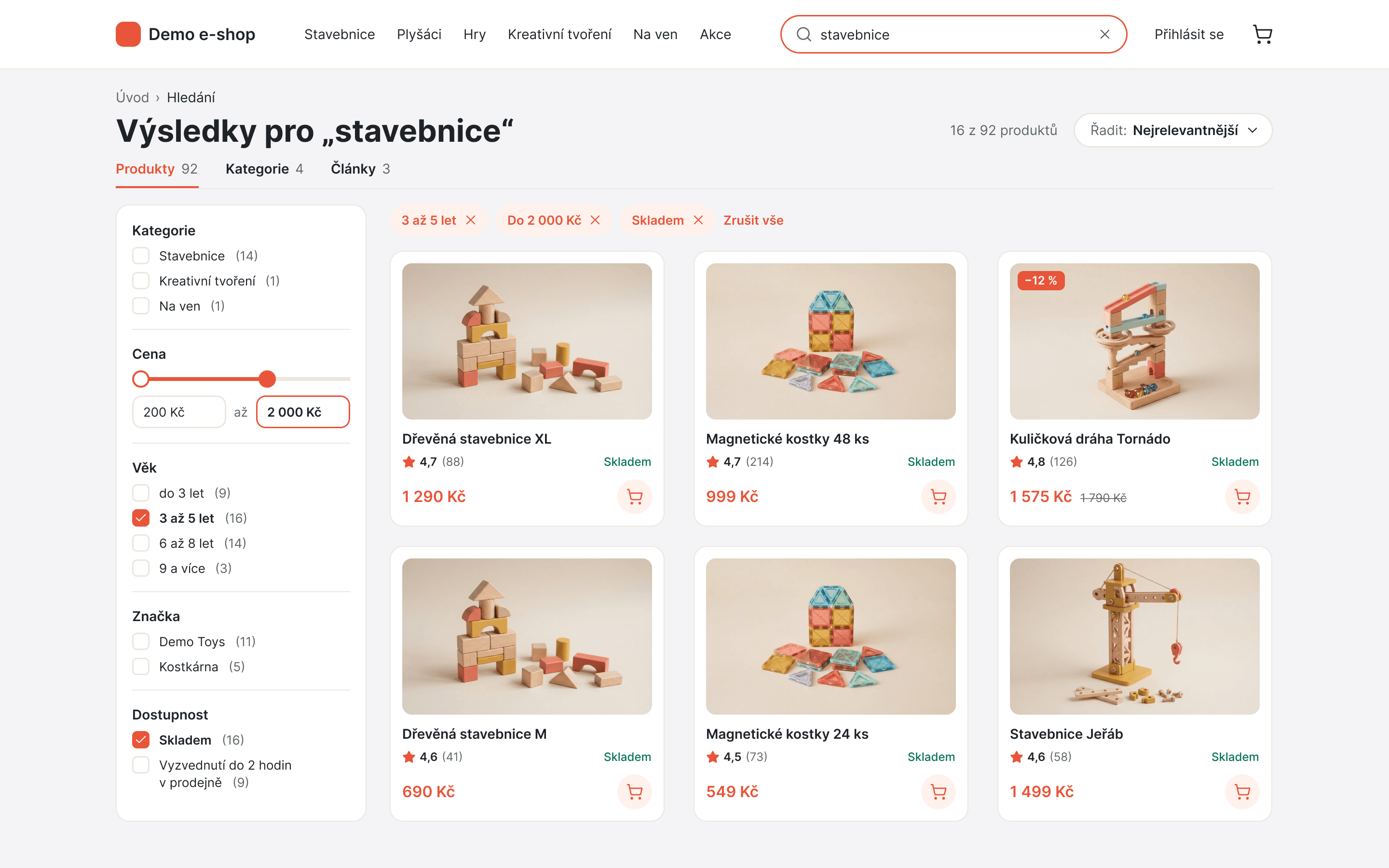
Colours, fonts and layout are set in the admin, without programming.
For developers
Your web administrator will find a detailed description of the integration and the product file in our documentation.
FAQ
What needs to happen on your side and what we do.
We set everything up to match your catalogue and website design. You send the product file and your web administrator adds two components to your website.
To start with, the feed you already have for Zboží.cz or Heureka is enough. A dedicated UpSearch feed can also carry your internal codes and other details that a price-comparison feed lacks. We can also connect directly to your store.
Yes, as long as the code is in your product file. Search uses the product code (SKU), EAN and catalogue number. A price-comparison feed may leave out your internal code – a dedicated feed solves that.
No. Two components are added to your website – autocomplete and a results page – and the rest of your store stays as it is. To add to the basket from the results, the store only needs to expose its basket function.
Shoptet, WooCommerce, UpGates, PrestaShop and any other online store.
Not a classic module – it is a service. Your web administrator adds two components, autocomplete and a results page, with code in the template or through Google Tag Manager. For PrestaShop, UpSearch fetches the data directly through its API (Webservice API) or takes it from your product file.
Yes. A product file is enough, and two components are added to your website – autocomplete and a results page.
Yes. The button in the results calls your store's basket function. If the store has none, the button is not shown.
We will show you search on your own products. We do the setup.